Page Pilot
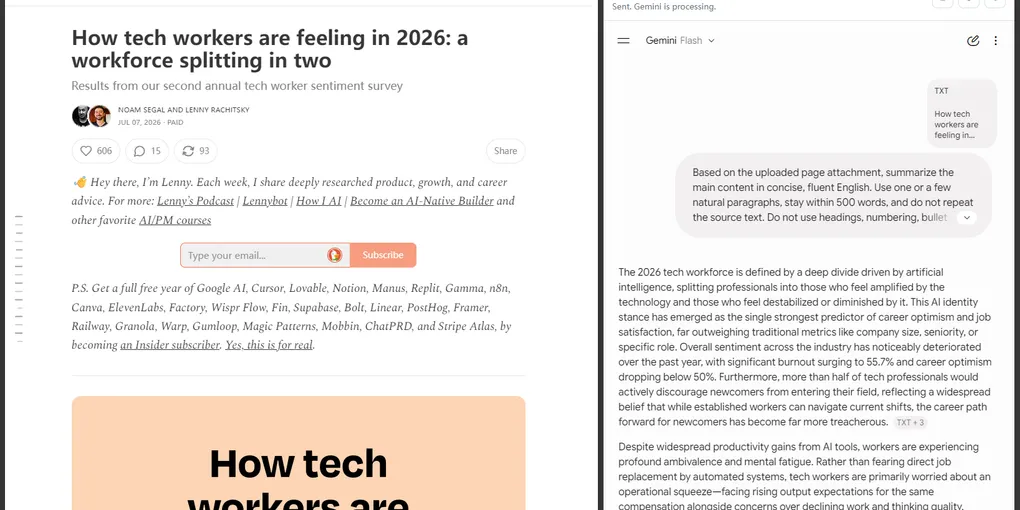
A Chrome extension that connects web reading with AI summaries.
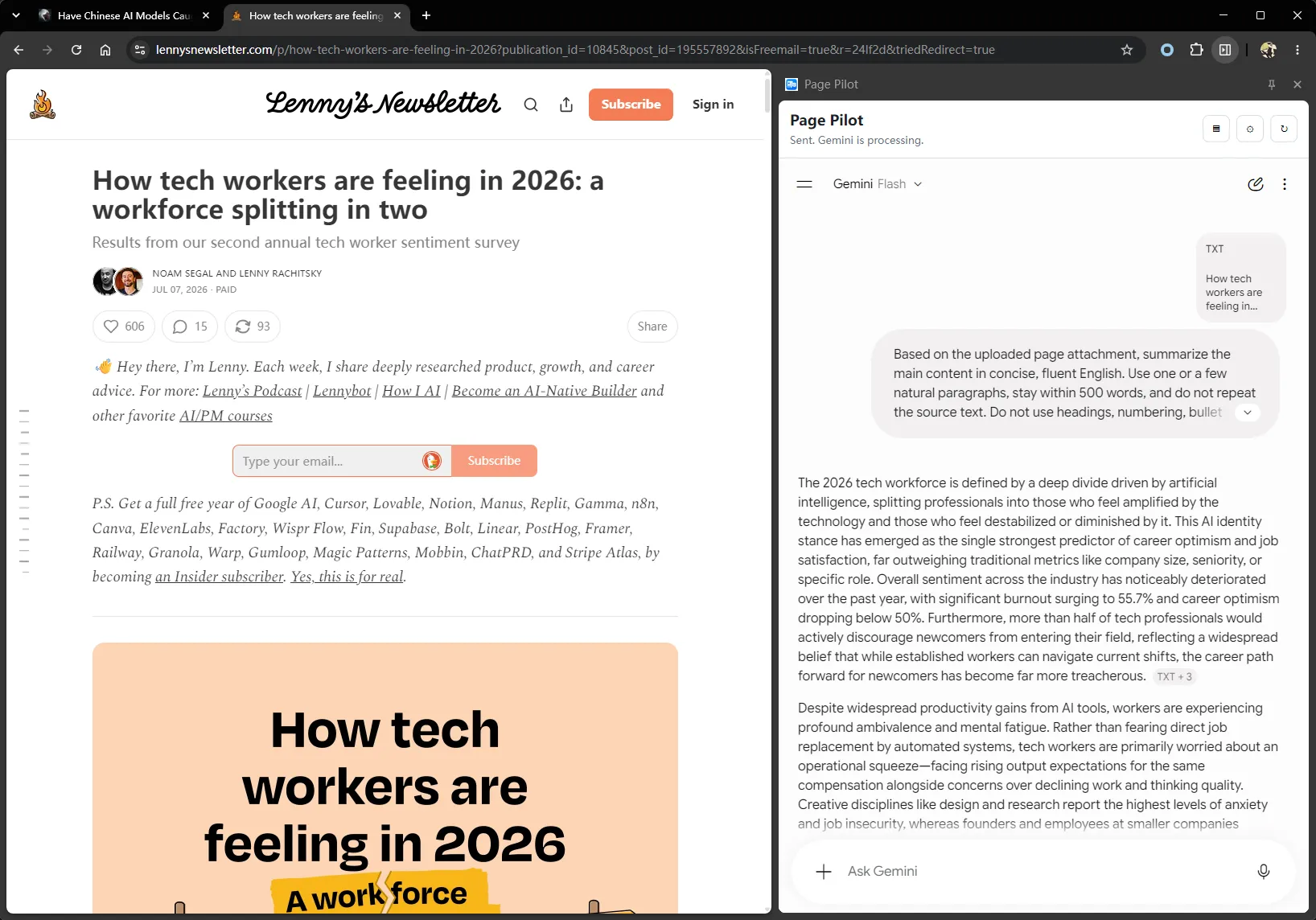
When I am reading a long article, I often want an AI to help organize the important points. Copying the page, switching tabs, pasting the content, and then asking for a summary is more friction than it needs to be. Page Pilot puts that workflow in Chrome’s side panel. Choose Summarize Page from the context menu, and it extracts the main content, packages it as a text attachment, and sends it to an already signed-in Kimi, DeepSeek, or Gemini session. You can then keep asking follow-up questions in the same conversation.
One right-click workflow
Using Page Pilot is simple:
- Right-click the page you want to read and choose Summarize Page.
- The extension opens the AI chat side panel and sends the extracted title, URL, and article content.
The side panel keeps the source page in view instead of covering it or moving the conversation to another tab. You can keep the article’s context on one side and use the other side to review the summary, verify details, and continue the discussion.
More than copying the whole page
Web pages often include navigation, recommendations, comments, footers, and ads. Sending every bit of page text to an AI wastes context and makes summaries less focused.
Page Pilot uses Mozilla Readability to find the article body, then uses Turndown to convert it to Markdown. The title, original URL, and content are assembled into a text attachment. You can also inspect exactly what was extracted in the side panel.
Some sites built with Web Components cannot be read completely by the normal content conversion. In those cases, the extension falls back to visible text in the semantic main container so that the summarization flow remains usable.
No API key required
Page Pilot does not ask for a model API key or another account. It reuses an AI web session that is already signed in in your browser. It currently supports:
- Kimi
- DeepSeek
- Gemini
You can switch services in the side panel and continue an existing conversation. This is useful for personal reading: install the extension, choose the service you already use, and skip the extra model proxy or API setup.
“No API key” does not mean that content never leaves your computer. Page Pilot extracts page content locally, but after you choose to summarize it, the title, URL, article text, and prompt are sent to the AI service you selected and are subject to that service’s privacy policy.
Control how the AI summarizes
The default prompt asks the AI to extract key points and suggest useful follow-up questions rather than mechanically restating the article.
You can edit that prompt to make the extension fit your reading workflow: summarize a technical article’s architecture and trade-offs, or extract user problems and decisions from a product article. The prompt is stored in Chrome sync storage; page content waiting to be sent and session state use session storage. The interface currently supports English, Simplified Chinese, Japanese, and Korean.
Privacy and compatibility
The extension reads a page only after you explicitly choose Summarize Page. It does not continuously collect browsing history.
Embedding AI web pages in Chrome’s side panel involves service-specific compatibility work. For DeepSeek and Gemini, Page Pilot removes some anti-embedding response headers. This is security-sensitive, and the repository recommends reviewing the source before installing a development build.
Page Pilot also depends on third-party AI web interfaces. If those sites change, the logic for attaching content or sending messages may need updates. Treat it as an actively evolving integration rather than a maintenance-free connection.
Install
Install Page Pilot from the Chrome Web Store. Once installed, right-click a web page and choose Summarize Page.
If you want to run it from source or contribute, build it and load the generated dist directory in Chrome’s developer mode:
npm install
npm run build
npm run check
Links
- Source code: github.com/z4none/page-pilot
- Chrome Web Store: Install Page Pilot
- Introduction video: Page Pilot on YouTube